How to Build a Complete Smart Home System: Step-by-Step Guide

Building a complete smart home system requires careful planning and a methodical approach. Rather than buying everything at once, the best strategy is to start with a solid foundation and expand your system over time as you learn what works best for your home and lifestyle. We map out the full process below, from choosing your central hub to adding advanced automation, ensuring that every device you add works together seamlessly and enhances your daily life.

Step 1: Choose Your Smart Home Ecosystem
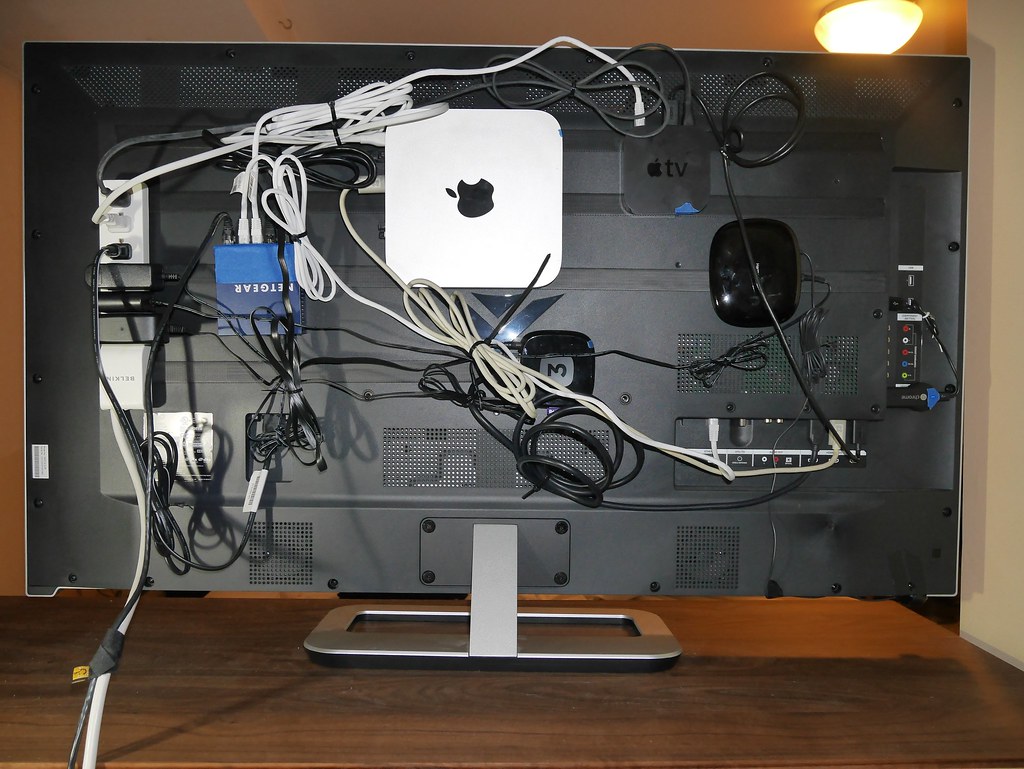
The first and most critical decision is selecting which ecosystem will serve as the foundation of your smart home. Your options are Amazon Alexa, Google Home, or Apple HomeKit, and this choice will determine which devices are compatible and how you control them. Consider which devices you already own, which voice assistant you prefer, and how much you value privacy versus broad compatibility. If you are unsure, Amazon Alexa offers the widest device selection and most flexible automation, making it a safe choice for most beginners. Purchase a smart speaker or display from your chosen ecosystem and set it up in a central location in your home, such as the living room or kitchen, where it will be most accessible for voice commands.
Step 2: Add Smart Lighting and Plugs
Smart lighting is the easiest and most impactful upgrade for any smart home. Start by replacing the bulbs in your most frequently used rooms with smart bulbs from Philips Hue, LIFX, or TP-Link Kasa. Smart plugs are an affordable alternative that turns any standard lamp into a smart light, and they work well for seasonal lighting or devices you want to control remotely. Set up schedules so your lights turn on gradually in the morning to help you wake up naturally, and turn off automatically when you leave for work. Voice control through your smart speaker lets you adjust brightness and color without getting up, adding a new level of convenience to your daily routine.
Step 3: Install a Smart Thermostat
A smart thermostat is one of the few smart home devices that pays for itself over time through energy savings. Thermostats like the Nest Learning, Ecobee and Amazon Smart models all learn your schedule and preferences, automatically adjusting temperatures to save energy when you are asleep or away. Installation typically takes less than an hour for standard HVAC systems, and most models include detailed instructions and compatibility checkers on their websites. Many utility companies offer rebates that can cover 25 to 50 percent of the cost, making this upgrade even more affordable. Once installed, you can control your home’s temperature from anywhere using your phone, and the thermostat will gradually learn your preferences to optimize comfort and efficiency automatically.
Step 4: Set Up Security and Monitoring
Once your basic smart home is running smoothly, it is time to add security devices for peace of mind. Start with a video doorbell like the Ring Video Doorbell or Google Nest Doorbell, which lets you see and speak to visitors from anywhere. Add indoor and outdoor security cameras to monitor key areas of your home, choosing from brands like Arlo, Wyze, or Eufy depending on your budget and feature requirements. Smart door locks from August, Yale, or Schlage allow you to lock and unlock your doors remotely, grant temporary access to guests or service providers, and receive notifications when doors are opened. Complete your security setup with door and window sensors that alert you to unexpected openings, and motion detectors that can trigger lights or cameras when activity is detected.
Step 5: Create Automations and Routines
The true power of a smart home lies in automation. Once you have several devices installed, create routines that make your home respond automatically to your needs. A good morning routine might have your smart lights gradually brighten, your thermostat adjust to a comfortable temperature, and your smart speaker provide a weather and calendar briefing. An away routine could turn off all lights, lower the thermostat, arm your security system, and lock the doors with a single command or automatically when your phone leaves the area. Evening routines can dim the lights, lock the doors, and set the thermostat to sleep temperature at a scheduled time. Experiment with different triggers like time of day, sensor detection, or your phone’s location to find what works best for your family.
Step 6: Expand with Advanced Devices
Once you have mastered the basics, consider adding advanced smart home devices to further enhance your home. Smart blinds and shades from brands like IKEA or Lutron can be programmed to open and close based on time of day or sunlight sensors, improving energy efficiency and privacy. Smart appliances like refrigerators, ovens, and washing machines from Samsung or LG offer remote monitoring and control through your smart home app. Water leak sensors placed near water heaters, washing machines, and under sinks can alert you to leaks before they cause costly damage. Voice-controlled switches and dimmers replace traditional wall switches, giving you smart control without requiring smart bulbs. As you add more devices, ensure they are compatible with your chosen ecosystem and support the Matter standard for future-proof connectivity.
Conclusion: Enjoy Your Smart Home
Building a complete smart home system is a journey, not a destination. By following this step-by-step guide, you can create a connected home that enhances your comfort, convenience, security, and energy efficiency without becoming overwhelmed by complexity. Start with a solid ecosystem foundation, add lighting and climate control for immediate benefits, layer in security for peace of mind, and expand with advanced devices and automations as your confidence grows. Ultimately, the best smart home is one that works reliably for your needs and adapts to your lifestyle. With careful planning and gradual expansion, you will build a smart home system that truly makes your life better every day.