The Complete Guide to Philips Hue: Everything You Need to Know
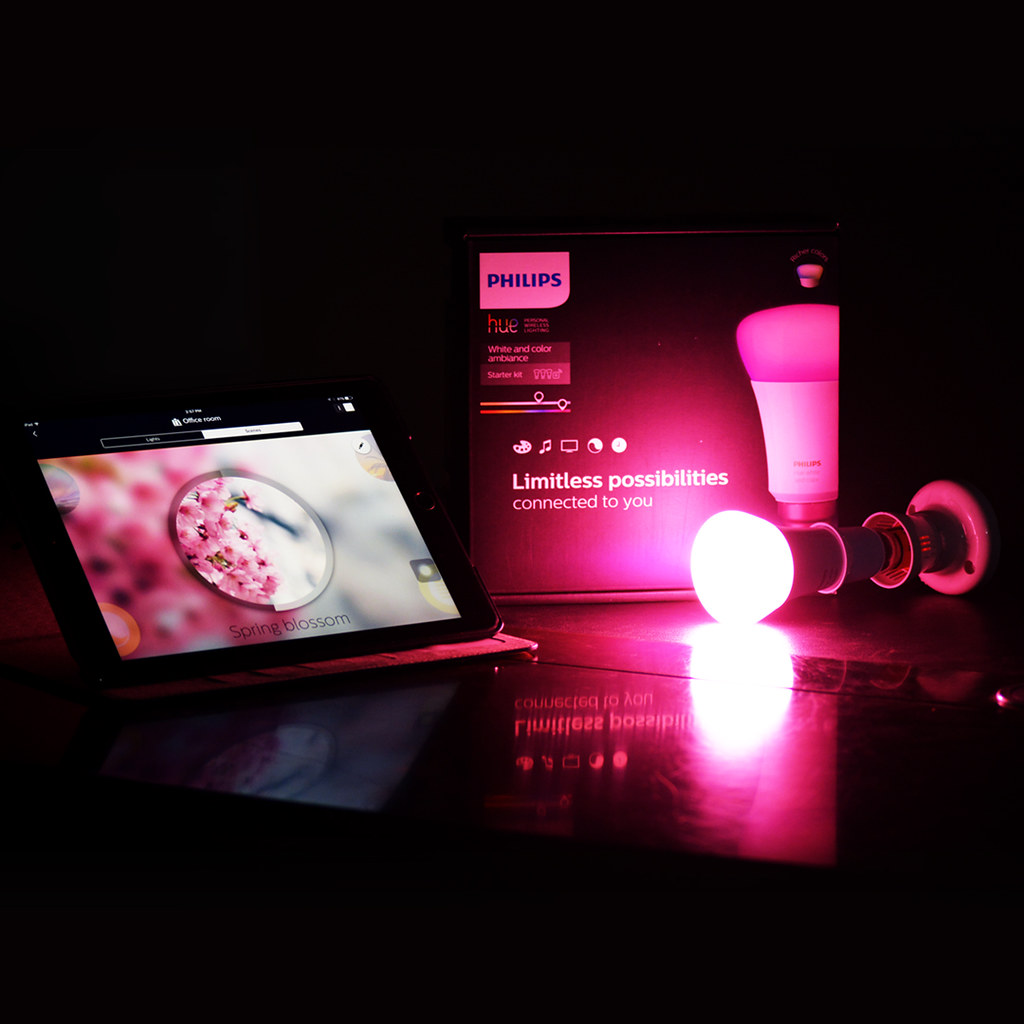
Philips Hue is one of the most popular and comprehensive smart lighting systems on the market. Launched in 2012, it has grown into an extensive ecosystem of bulbs, fixtures, sensors, and accessories that can transform any home into a smart living space. This guide covers everything you need to know before starting your Philips Hue journey.
The core of the Philips Hue system is the Bridge, a small hub that connects to your home router via Ethernet. The Bridge communicates with your Hue lights using Zigbee, a wireless protocol designed for smart home devices. Without the Bridge, you can still control up to ten bulbs via Bluetooth, but you lose many advanced features such as timers, routines, geofencing, and integration with other smart home platforms. For most users, the Bridge is essential.
Philips Hue offers a wide variety of bulb types. The standard white bulbs provide warm to cool white light with adjustable brightness. White Ambiance bulbs add the ability to change the color temperature from warm yellow (relaxing) to cool blue (energizing). Color Ambiance bulbs go further by offering sixteen million colors plus all the white temperature options. There are also filament bulbs for exposed fixtures, GU10 spotlights, and outdoor-rated bulbs for gardens and pathways.
Setting up Philips Hue is straightforward. Plug in the Bridge, connect it to your router with the included Ethernet cable, and power on your bulbs. Download the Philips Hue app, follow the pairing instructions, and the app will discover your bulbs automatically. You can then organize lights into rooms and zones, create scenes, and set schedules. The app also supports automations like waking up to a gradually brightening light or having lights turn on at sunset.
One of the strongest selling points of Philips Hue is its compatibility with major smart home platforms. It works seamlessly with Amazon Alexa, Google Assistant, Apple HomeKit, and Samsung SmartThings. You can control your lights with voice commands, integrate them into broader routines, and use them alongside other smart devices. For advanced users, the Hue API allows custom integrations and scripts.
Philips Hue also offers a range of accessories. The Hue Dimmer Switch is a wireless remote that can be placed on a wall or used as a handheld controller. The Hue Motion Sensor triggers lights when movement is detected, perfect for hallways, bathrooms, and closets. The Hue Tap Dial Switch provides physical control with a built-in smart button and dimmer wheel. These accessories make the system more convenient for everyone in the household, including guests who may not want to use an app or voice commands.
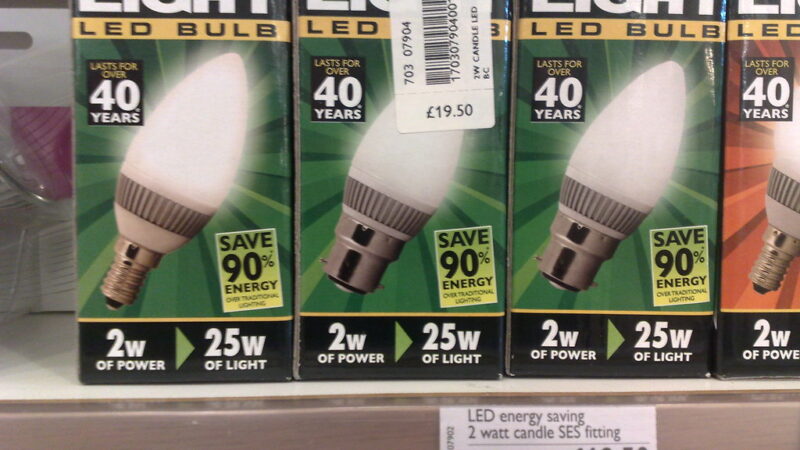
For those concerned about energy usage, Philips Hue LEDs use up to eighty percent less energy than traditional incandescent bulbs. A typical Hue bulb lasts around twenty-five thousand hours, equivalent to roughly twenty-two years of average use. While the upfront cost is higher than conventional bulbs, the long-term savings in energy and replacement costs make it a worthwhile investment.
Common pitfalls include forgetting that the Bridge requires a stable Ethernet connection, assuming all third-party Zigbee bulbs work with Hue (not all do), and underestimating how addictive smart lighting can be. Once you start with a starter kit, you will likely expand room by room. Start with a White Ambiance or Color Ambiance starter kit, add accessories as needed, and enjoy a home that responds to your lifestyle.